Change Formatting
Add or remove formatting (bold, italic, underline, etc.) from subtitle text.
- Menu: Tools → Change formatting…
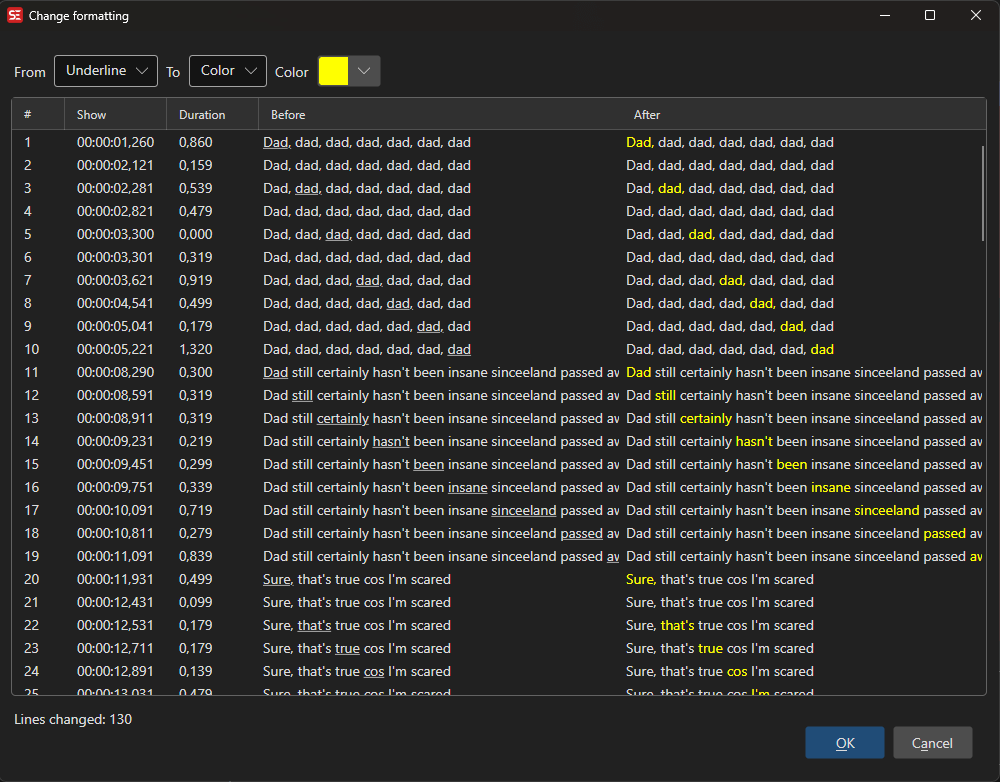
Options
- From — The formatting type to convert from: Italic, Bold, Underline, or Color
- To — The formatting type to convert to: Italic, Bold, Underline, or Color
- Color — When To is Color, the color to apply (color picker)
All matching subtitles are shown in a preview list with Before and After columns before any changes are applied.