Split Subtitle
Split a single subtitle file into two or more parts.
- Menu: Tools → Split subtitle…
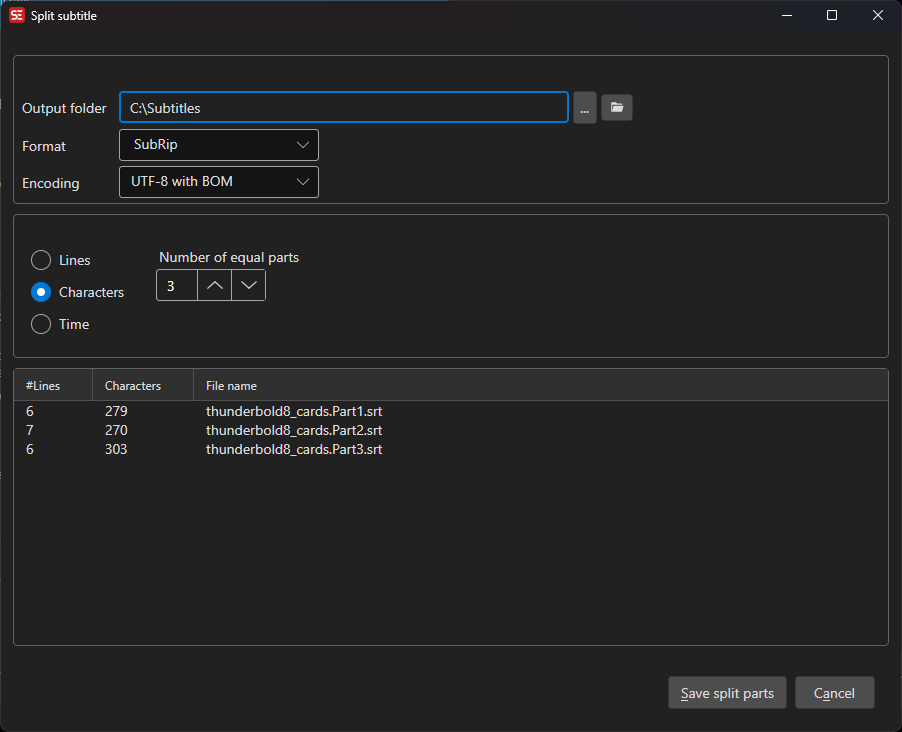
Split Options
Choose how to divide the subtitle into roughly equal parts:
- Lines — Split so each part has the same number of subtitle lines
- Characters — Split so each part has roughly the same number of characters
- Time — Split so each part covers roughly the same duration
Then set:
- Number of equal parts — How many output files to produce
- Output folder — Where to save the split files
- Format and Encoding — Subtitle format and text encoding used for the split files
Click Save split parts to write all parts to the output folder.