 Subtitle Edit
Apply Duration Limits
Enforce minimum and maximum duration limits on subtitle lines.
- Menu: Tools → Apply duration limits…
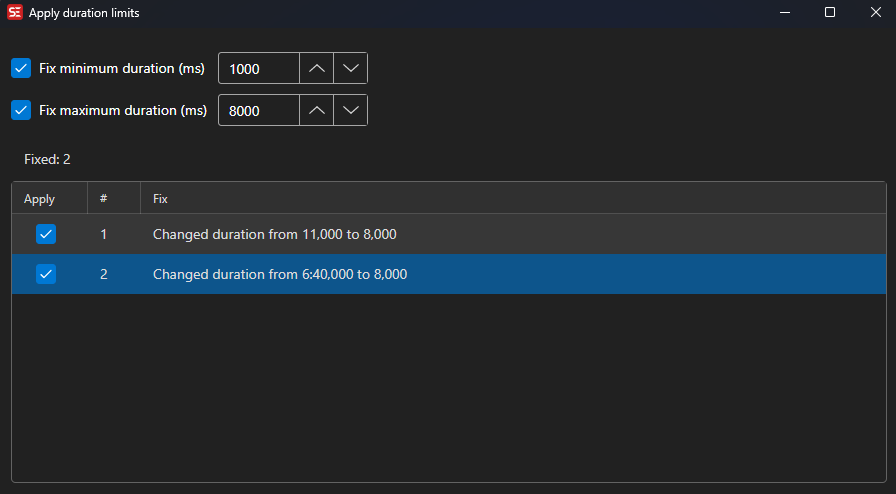
Options
- Fix minimum duration (ms) — Enable the minimum limit and set the minimum display time in milliseconds
- Do not go past shot change — Shown when shot changes are loaded: a line extended to reach the minimum duration stops at the next shot change
- Fix maximum duration (ms) — Enable the maximum limit and set the maximum display time in milliseconds
When the global Time code mode setting is one of the frame modes, the labels read Fix minimum duration (frames) / Fix maximum duration (frames) and both values are entered in frames at the current frame rate (like Bridge gaps and Apply min. gap). The values are still stored in milliseconds, and a frame count you leave unchanged keeps the saved millisecond value.
The window shows two lists that update live as you change values: the proposed fixes, each with an Apply checkbox, and the lines that cannot be fixed (because there is not enough room before the next subtitle). The counts are reported under the lists.