 Subtitle Edit
Merge Lines with Same Text
Merge consecutive subtitle lines that have identical text content into one entry covering the combined time span.
- Menu: Tools → Merge lines with same text…
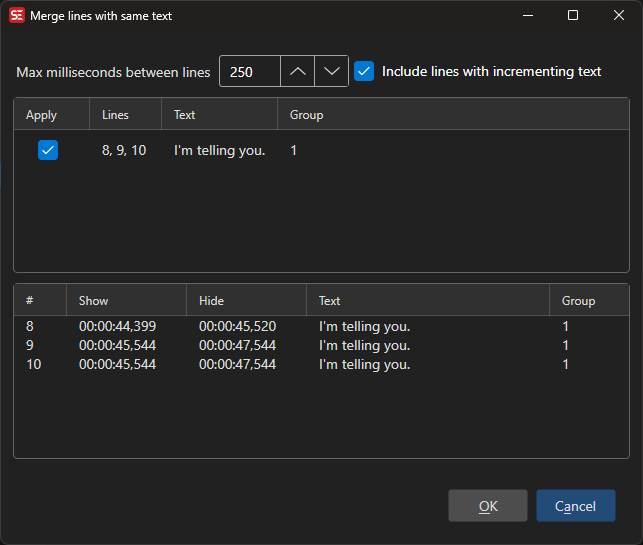
Options
- Max ms between lines — Only merge lines that are at most this many milliseconds apart
- Include incrementing lines — Also merge sequences where the text increments (e.g. countdowns or revealing text)
- Include roll-up (scrolling) captions — Also merge old-style roll-up captions, where each caption shows the tail of the previous one plus a new line (e.g.
FOUR SCORE→FOUR SCORE / AND SEVEN YEARS AGO,→AND SEVEN YEARS AGO, / OUR FATHERS). Every line is kept once, timed from when it first scrolled in, and regrouped into subtitles of the configured maximum number of lines
The preview updates live; uncheck any group in the list to exclude it before clicking OK.